宝塔+Github Webhook走HTTPS自动同步代码配置
部署到宝塔的项目可以使用本案例进行自动同步Github仓库代码。

- huo0
- 1 min read
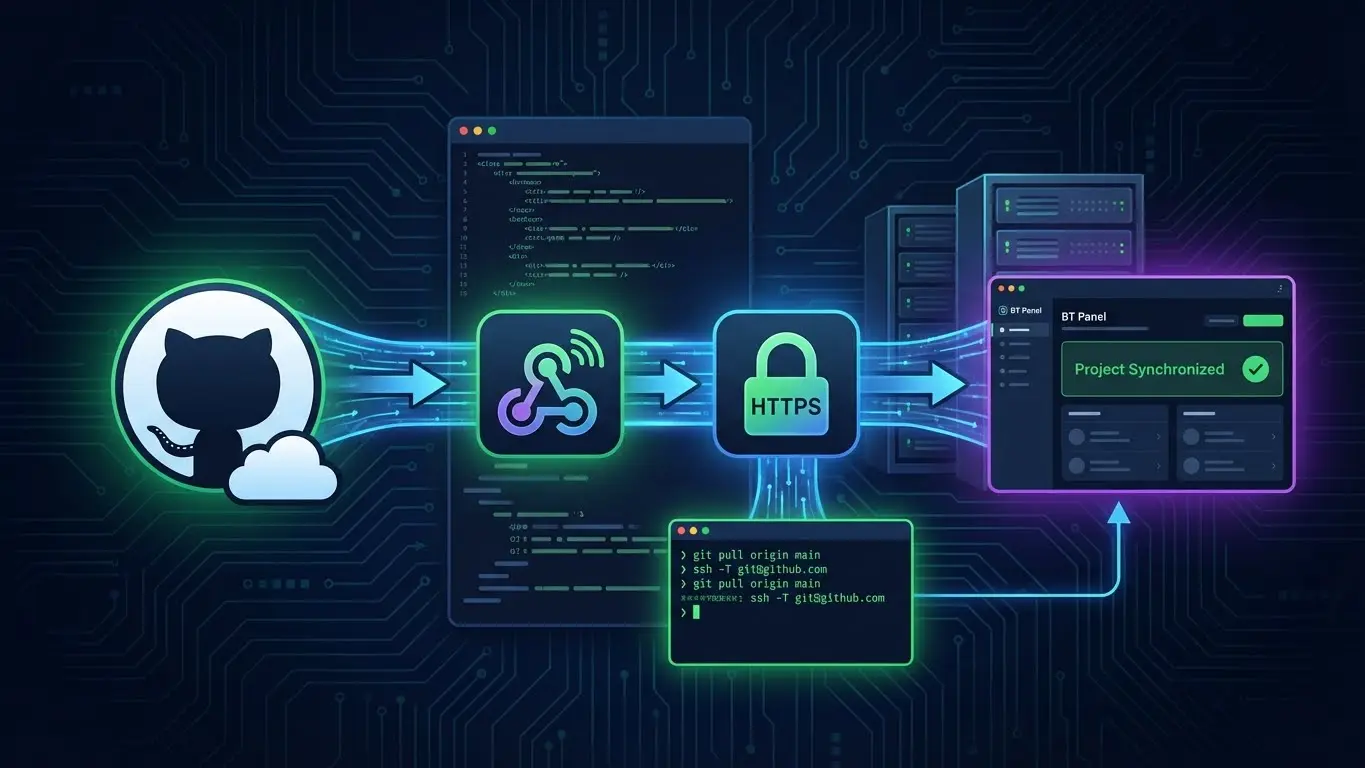
善用该功能可以使得你推送代码至Github仓库中后
自动将代码同步到你的宝塔项目中,实现自动更新
整理这篇文章出于弥补网络资料空缺
或者说能搜到的都是SEO产生的垃圾
阅读本文,您将:
- 掌握Github Webhook配置
- 掌握宝塔面板WebHook配置
- 上述两个都是用HTTPS进行
- 一段基础的Git脚本
准备工作
域名1个
案例使用:pushme.com
服务器IP:22.65.202.79:8848
用于反代访问宝塔面板内部网络(IP+PROT)
利用域名SSL证书 让Github访问到Webhook
你可以使用IP证书、实际项目的域名、随意的二三级域名
宝塔终端配置SSH KEY
终端运行
#生成KEY
ssh-keygen -t rsa -b 4096 -C "[email protected]"

#查看KEY
cat ~/.ssh/id_rsa.pub
去github绑定key:https://github.com/settings/keys
绑定完毕终端检查是否出现账户信息
ssh -T [email protected]
宝塔绑定Git项目
创建网站后,进入目录,删除文件和目录后使用终端初始化仓库
git init
git remote add origin [email protected]:xxxx/xxxx.git
git pull origin main
域名配置
- 正常将域名 pushme.com 解析到 22.65.202.79
- 使用面板为域名申请免费的SSL证书
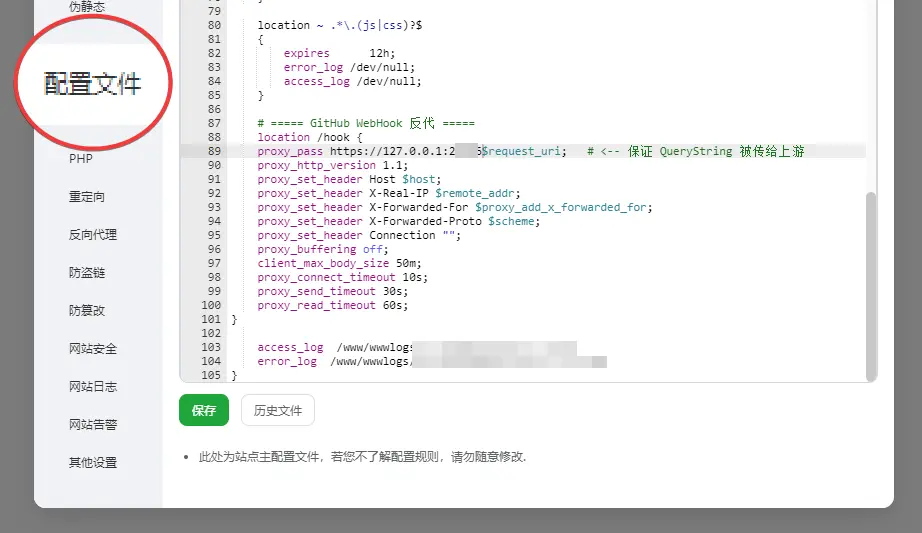
- 点击网站修改配置文件nginx,在access_log上方添加如下代码
将下方 https://127.0.0.1:8848 ,替换8848 为你面板的实际端口
    # ===== GitHub WebHook 反代 =====
    location /hook {
    proxy_pass https://127.0.0.1:8848$request_uri;   # <-- 保证 QueryString 被传给上游
    proxy_http_version 1.1;
    proxy_set_header Host $host;
    proxy_set_header X-Real-IP $remote_addr;
    proxy_set_header X-Forwarded-For $proxy_add_x_forwarded_for;
    proxy_set_header X-Forwarded-Proto $scheme;
    proxy_set_header Connection "";
    proxy_buffering off;
    client_max_body_size 50m;
    proxy_connect_timeout 10s;
    proxy_send_timeout 30s;
    proxy_read_timeout 60s;
}
宝塔WebHook配置
正常添加创建,脚本填写
#!/bin/bash
set -euo pipefail

REPO="/www/wwwroot/[项目路径]"
LOG="$REPO/deploy.log"

{
  echo "==== $(date '+%Y-%m-%d %H:%M:%S') ===="
  echo "user: $(whoami)"
  echo "pwd: $(pwd)"
  echo "repo owner: $(stat -c '%U:%G' "$REPO")  .git owner: $(stat -c '%U:%G' "$REPO/.git" || echo '.git missing')"

  # 保险:为当前执行用户添加 safe.directory(不会报错,重复添加也没关系)
  git config --global --add safe.directory "$REPO" || true

  cd "$REPO"
  git fetch origin -v
  git reset --hard origin/main

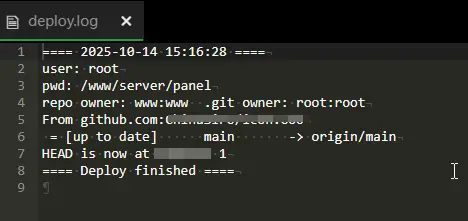
  echo "==== Deploy finished ===="
} >> "$LOG" 2>&1
Github Webhook配置
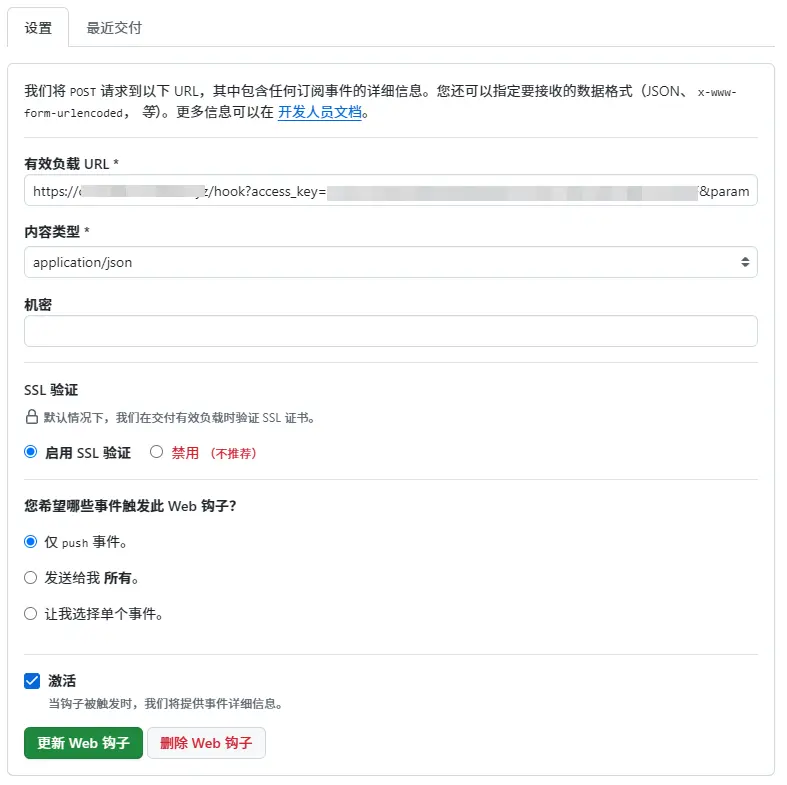
得到宝塔WebHook密钥URL后改写
https://22.65.202.79:8848/hook?access_key=uxxxxxxxxxxxxxxxxxxxxxxxxxlF¶m=aaa
将上面[宝塔WebHook 密钥URL]中的IP:PROT替换为域名,即
https://pushme.com /hook?access_key=uxxxxxxxxxxxxxxxxxxxxxxxxxlF¶m=aaa
记得把内容类型改为json,否则会出现404
 至此同步完毕。
且在项目根目录存在deploy.log作为日志记录。